 Selectrum
Security model
What Selectrum protects, how it does it, what the servers it talks to can see — and what it does not protect you from. We would rather you know the limits than discover them.
1. Secrets stay local
The seed phrase and private keys are created on your Mac and used only there. They are never sent to a server, never synced, and not recoverable by us.
2. Encrypted at rest
The wallet file is sealed with AES-256-GCM under a key derived from your password. The password is asked again before every signature.
3. Little to learn from the network
Servers receive hashes of your addresses and your IP address — never keys. A proxy or Tor hides the IP; your own server hides the rest.
What is protected, and how
| Area | What Selectrum does |
|---|---|
| Seed generation | 128 bits from the system random number generator, with a BIP39 checksum. Phrases you type are validated against the word list and the checksum. |
| Key derivation | BIP32 with HMAC-SHA512; the seed is stretched with PBKDF2-HMAC-SHA512. Receiving and change addresses are derived from public keys, so private keys are needed only to sign. |
| Wallet file | AES-256-GCM; key from PBKDF2-HMAC-SHA512 with 300,000 rounds and a 16-byte random salt; the format header is authenticated. Changing the password re-encrypts the file. |
| Signing | Local ECDSA with deterministic RFC 6979 nonces and low-S signatures. Signatures are verified before broadcast. Locked wallets ask for the password first. |
| Network | Electrum protocol over TLS. The system certificate store is used; for servers with self-signed certificates the fingerprint is pinned on first use. SOCKS5 and HTTP proxies are supported, and the proxy password lives in the macOS Keychain. |
| Lightning | The node’s entropy is derived from the wallet seed with a separate HMAC-SHA512 domain, so the on-chain keys are never reused. Peer connections use the Noise_XK handshake of BOLT 8. |
| The app itself | Runs in the macOS App Sandbox. No accounts, no analytics, no crash reporting, no diagnostic log. The wallet file and settings stay in the app’s own folder. |
| Removal | Settings → Wallet deletes the wallet file, the Lightning node data and the saved name from the computer. The app refuses while channels are open, because that would lose the funds in them. |
What the servers can see
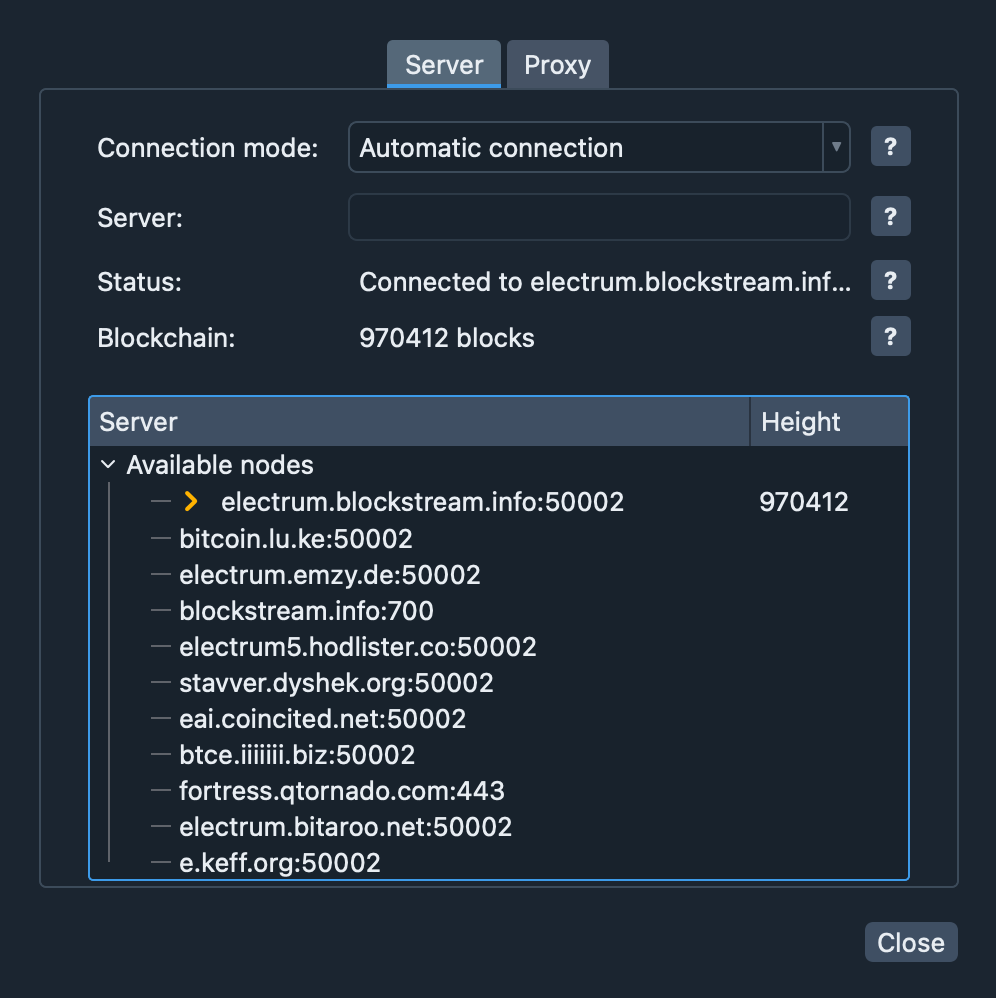
Electrum servers answer questions about your addresses, so they necessarily learn which addresses you are interested in — as script hashes — and the IP address you connect from. They also see the transactions you broadcast. They never receive keys, seed phrases or passwords.
You can reduce this exposure: connect through Tor or another proxy, choose a server you trust, or run your own Electrum server and point Selectrum at it.
Known limits
These are real, current limitations of this version. They are the reason to start with modest amounts.
No SPV proofs
The server is assumed to be honest about history. A dishonest server cannot move your coins, but it could hide or invent transactions or show a wrong balance. Use a server you trust, or your own.
Signing is not constant-time
secp256k1 is implemented in pure Swift and is not hardened against timing side channels. That matters when an attacker can run code next to the app. Replacing it with libsecp256k1 is the intended hardening step; until then, keep amounts modest.
Lightning is early
Channels can be opened, closed and monitored. Payments and BOLT 11 invoices are not implemented. Keep the node’s data folder while any channel is open.
Not implemented
Multi-signature wallets, two-factor wallets, hardware wallets, PSBT files and manual coin control are not available.
Your Mac is part of the security model. Malware, keyloggers, a remote-control session or someone who knows your password and can use your computer can do what you can do. Keep macOS updated and the machine free of software you do not trust.
Good habits
- Back up the words, offline. Write the seed phrase on paper, not in a notes app or a screenshot. Keep a second copy elsewhere.
- Prove the backup. Restore the wallet once on another account or machine with a small amount.
- Choose a long, unique password and keep the file encrypted. The strength indicator is a floor, not a goal.
- Check the address on the confirmation dialog before you sign; clipboard malware replaces addresses.
- Use a proxy if you do not want a server to see your IP address.
- Keep the amount in proportion to what you can afford to lose while the limits above remain.
Verify, don’t trust
The wallet logic is covered by automated checks that run official test vectors for BIP32, BIP39, BIP84 and BIP143 and for RFC 6979, compare signatures with an independent OpenSSL implementation, replay real blockchain transactions, and drive full receive and send cycles against a local mock server with a separate verifier. A manual QA checklist lists what has been tried by hand and what has not.
That is evidence of care, not a substitute for an independent audit. Treat any new wallet software with caution.